AI Tools
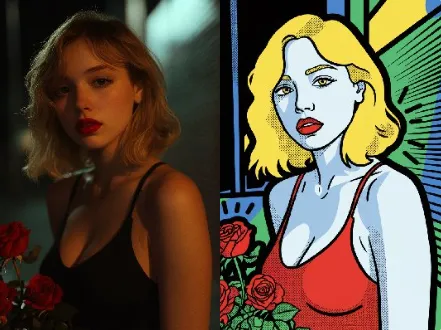
AI Keith Haring Pop Art AI Tools Generator
Keith Haring Pop Art AI Tools create bold, brand-safe pop art in seconds
A lightweight tool suite for fast custom visuals, vector-ready exports, and easy brand controls
Real-World Applications
From indie artists to global brands, make pop art an asset not a project drain
Social Media Managers
Create daily vivid posts that stand out in feeds without hiring illustrators for every campaign.
Packaging Designers
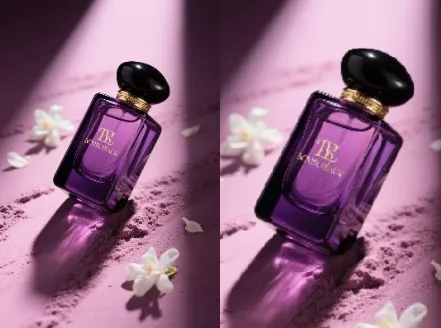
Mock up energetic label art to test customer reactions before committing to production runs.
Event Promoters
Produce posters, banners, and merch visuals that capture a playful, urban spirit quickly.
Why Creative Teams Choose This Tool
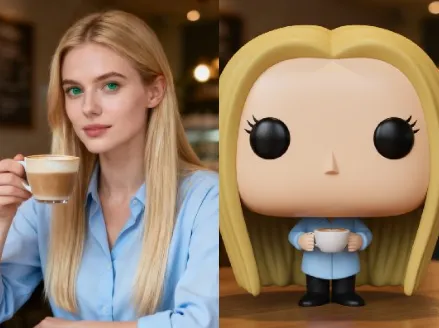
Turn sketches, photos, or briefs into shareable pop art assets that scale
Keith Haring Pop Art AI Tools for Rapid Production
Produce dozens of variations in minutes so your campaign stays fresh and on-trend. Reduce dependency on expensive photoshoots while keeping a handmade feel.
Brand-Consistent Color and Line
Your palette and stroke weight carry across every export for cohesive campaigns. Save presets and reuse them across projects.
Vector-Ready Exports
Download clean SVGs for print and large-format displays. Vectors preserve crisp lines and solid fills for scaling up to billboards.
Background Removal and Layer Control
Auto-isolate subjects and adjust layers for quick compositing. You keep precise control over foreground and texture elements.
Smart Noise Reduction
Smooth imperfections while retaining bold outlines and contrast. Better source cleanup means faster iteration.
Accessible Templates for Non-Designers
Start from curated templates and tweak visuals with sliders and simple prompts. Save time without losing creative intent.
How Can You Create Striking Pop Art in Minutes?
Your 3-step path to studio-ready, shareable artwork
- Step 1
Upload Your Source
You upload a photo, sketch, or logo and set the mood with a few keywords or a sample color palette.
- Step 2
Choose a Style and Tweak
You pick a template, adjust line thickness and color blocks, and preview variations until your vision feels right.
- Step 3
Export and Use
You export as SVG, PNG, or layered file and drop the artwork into campaigns, prints, or product mockups.
Frequently Asked Questions
Can I use generated art on commercial products?
How do I get high-resolution prints from a small file?
Will the tool remove backgrounds cleanly for merch mockups?
Can I maintain brand colors across many variations?
What about ownership and rights for created images?
Complete Your Creative Toolkit