AI Image

Product Material Change - AI-Powered Product Material Customization
Product Material Change
Product Image
Upload Image
Prompt
70/1500
Aspect Ratio
Auto
1:1
4:3
3:4
3:2
2:3
16:9
9:16
21:9

AI Product Material Change AI Image Generator

Create realistic Product Material Change AI Image previews to test materials before production.

Visualize material swaps without a photoshoot
Save time on sampling and approvals
Accelerate design decisions with instant previews
Reduce waste by testing choices digitally
  • Product Material Change

Why Designers Choose This Material Visualizer

Make confident material choices with fast, photo-real previews and consistent color handling.
Product Material Change AI Image for instant mockups:Generate side-by-side material options in seconds to compare finish, texture, and reflectivity.
Accurate texture mapping:Your patterns and finishes align with product contours for believable renders.
Smart color matching:The tool preserves brand palettes so your samples match existing assets and guides.
Batch processing for scale:Process hundreds of SKUs at once, letting your team review variations in bulk.
Export-ready assets:Download high-res PNGs or layered files that integrate with your marketing workflow.
Context-aware lighting:See materials under different environments so you know how they behave in real life.
Why Designers Choose This Material Visualizer

Real-World Applications

From product teams to marketing, this tool turns material questions into answers fast.

E-commerce Brands

Generate dozens of material options for product listings and reduce return rates with clearer visuals.

Packaging Designers

Test coatings and substrates digitally to avoid costly print runs and reduce waste.

Product Development Teams

Share realistic mockups with suppliers and stakeholders to speed up approval cycles.

How can you swap materials and preview final products?

Your 3-step path to fast, review-ready material mockups.

  • Step 1

    Upload your base asset

    You upload a photo or 3D render of your product; your image is analyzed for surfaces and seams.

  • Step 2

    Choose or customize materials

    You pick textures, colors, and finishes or upload your own swatches to apply to the product.

  • Step 3

    Export and share results

    You download final renders or send review links to teammates and vendors for quick feedback.

Pro Prompting Secrets

Get cleaner, more useful renders with simple input tweaks.
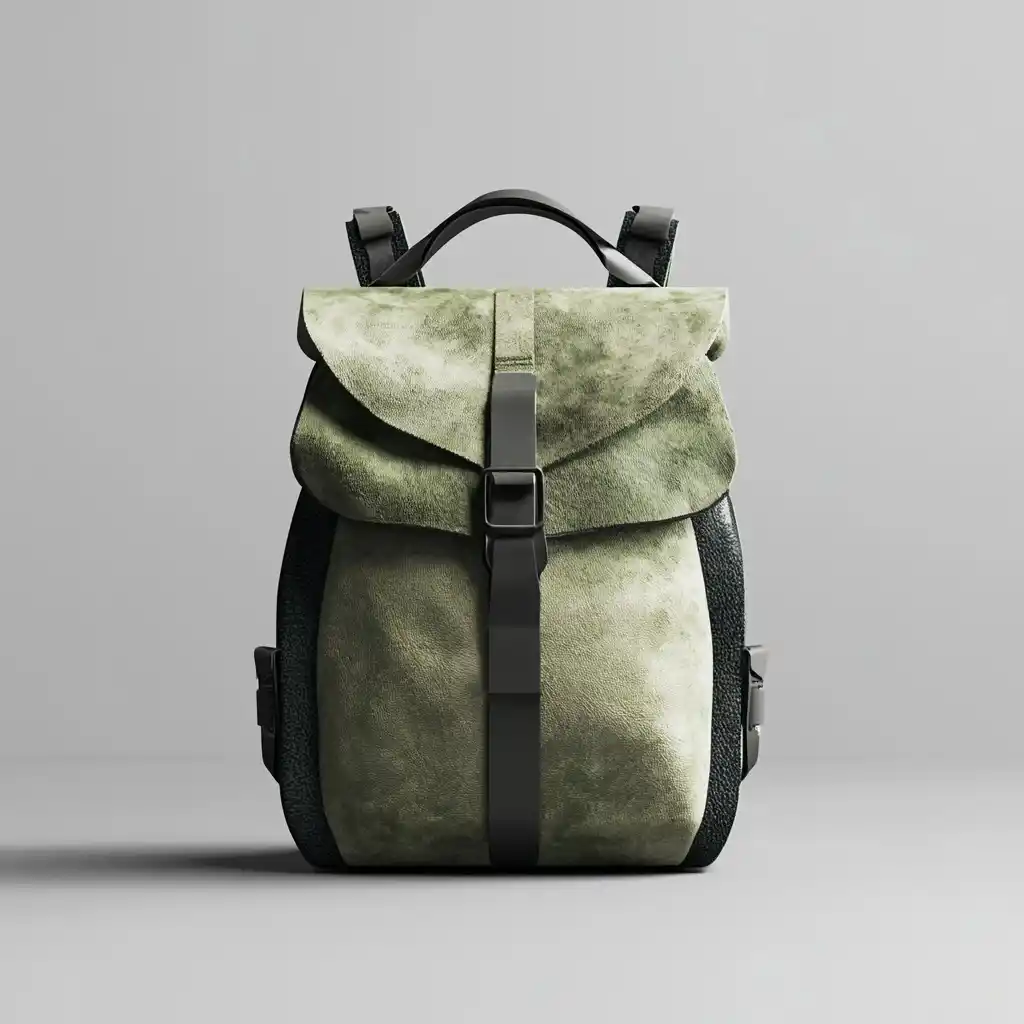
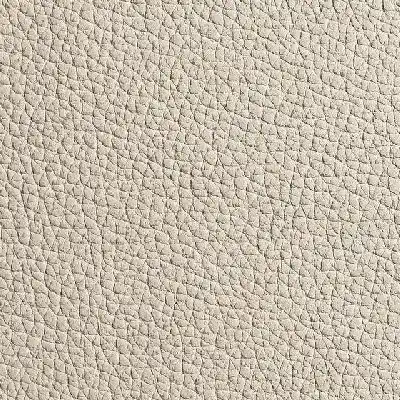
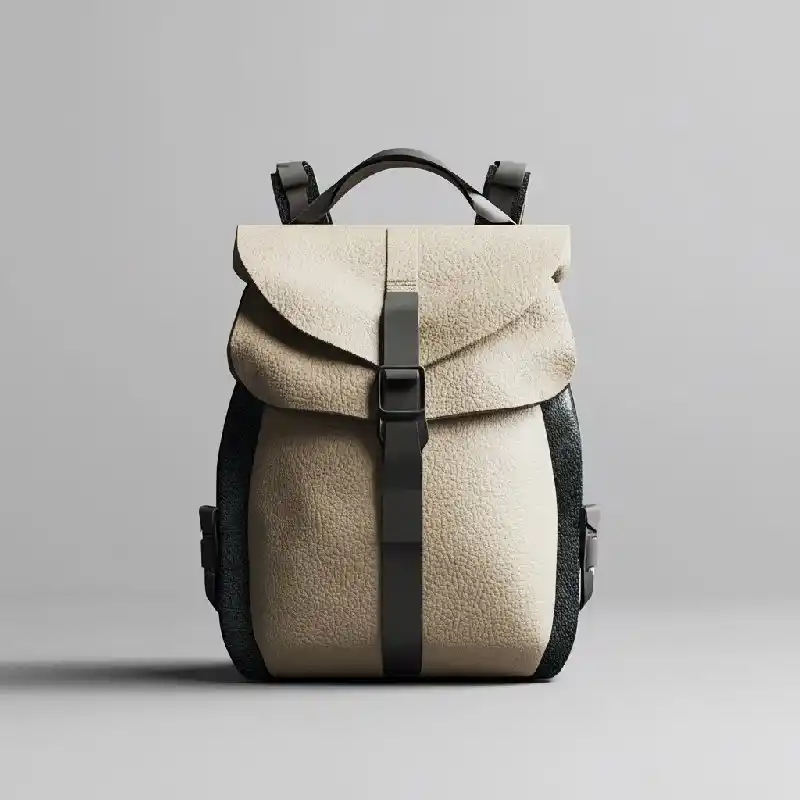
Off white cowhide lychee patterned mountain light outdoor backpack front product image
Prompt Modify the product image based on the material in the reference image.
Off white cowhide lychee patterned mountain light outdoor backpack front product imageOff white cowhide lychee patterned mountain light outdoor backpack front product image
Off white cowhide lychee patterned mountain light outdoor backpack front product image
Prompt Modify the product image based on the material in the reference image.
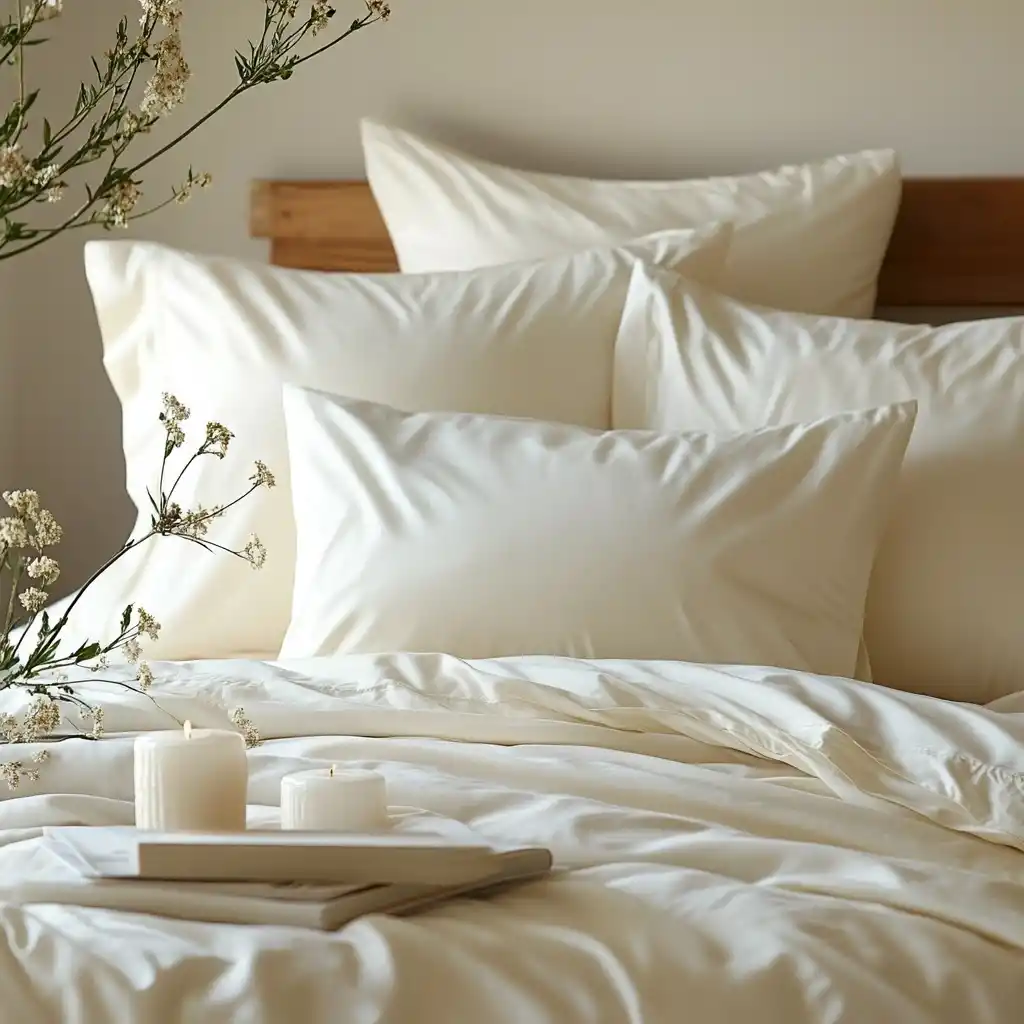
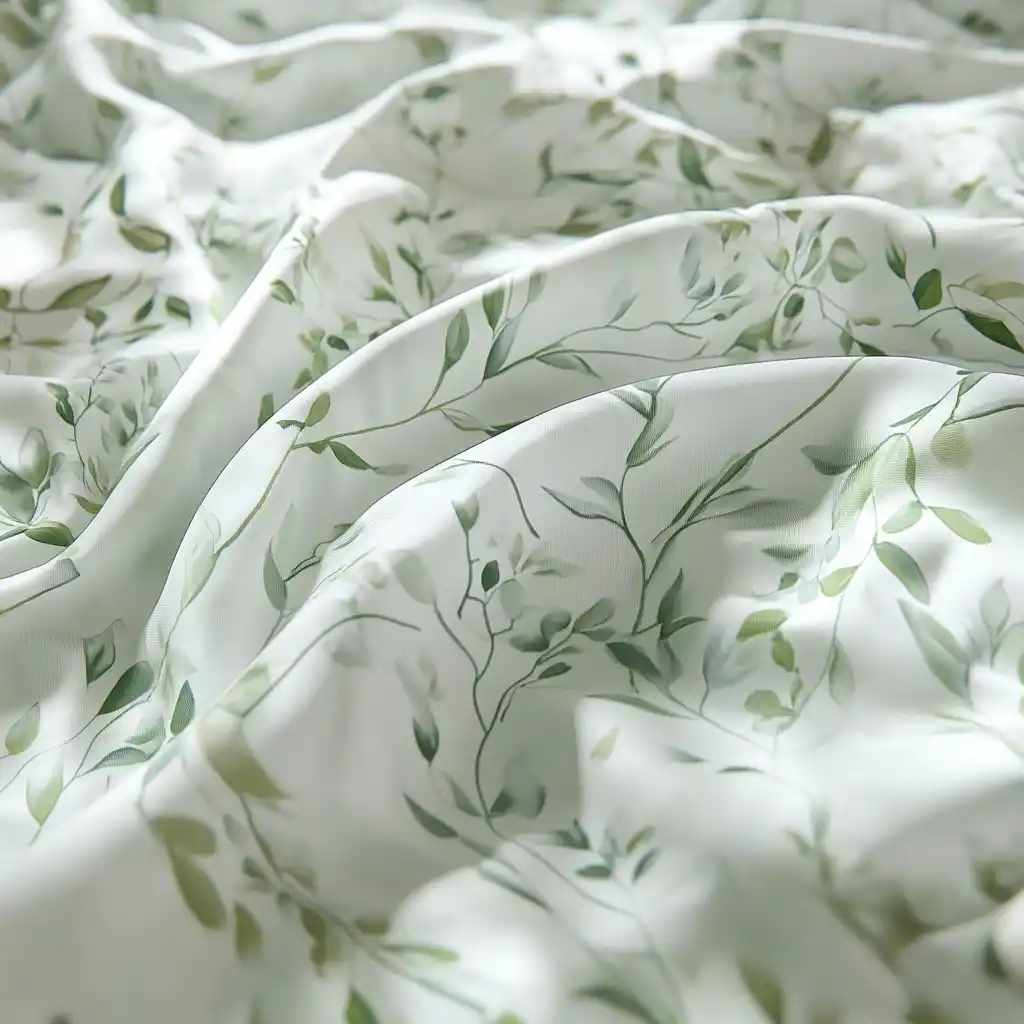
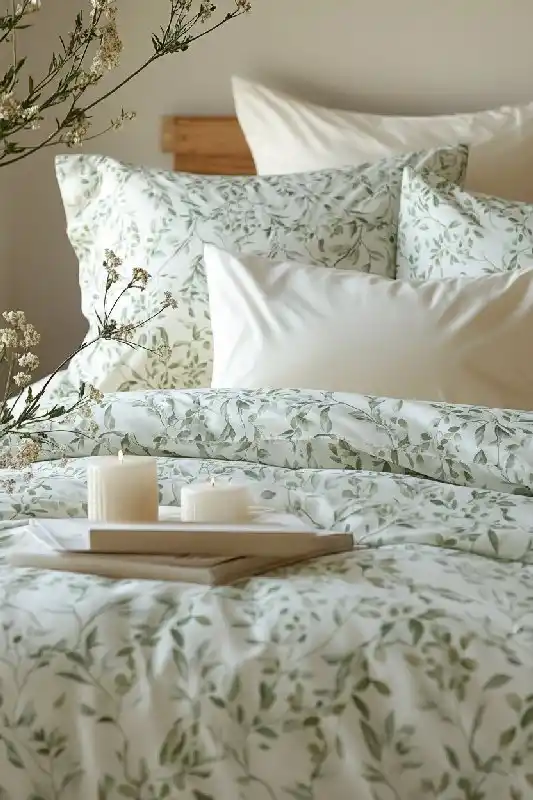
Cotton bedding, Ins style hand drawn plant pattern product renderings, home life social media account photos
Prompt Modify the product image based on the material in the reference image.
Cotton bedding, Ins style hand drawn plant pattern product renderings, home life social media account photosCotton bedding, Ins style hand drawn plant pattern product renderings, home life social media account photos
Cotton bedding, Ins style hand drawn plant pattern product renderings, home life social media account photos
Prompt Modify the product image based on the material in the reference image.
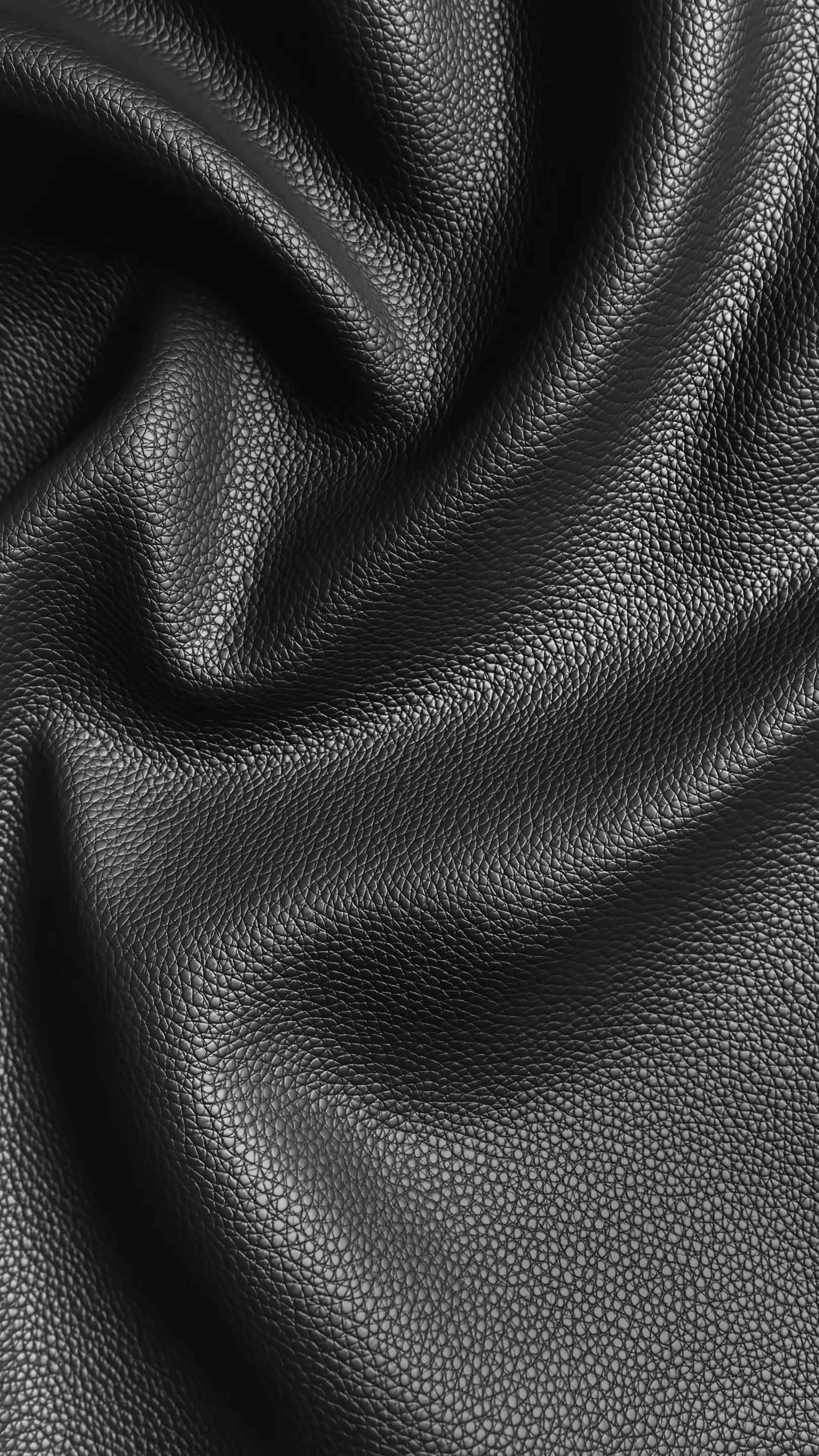
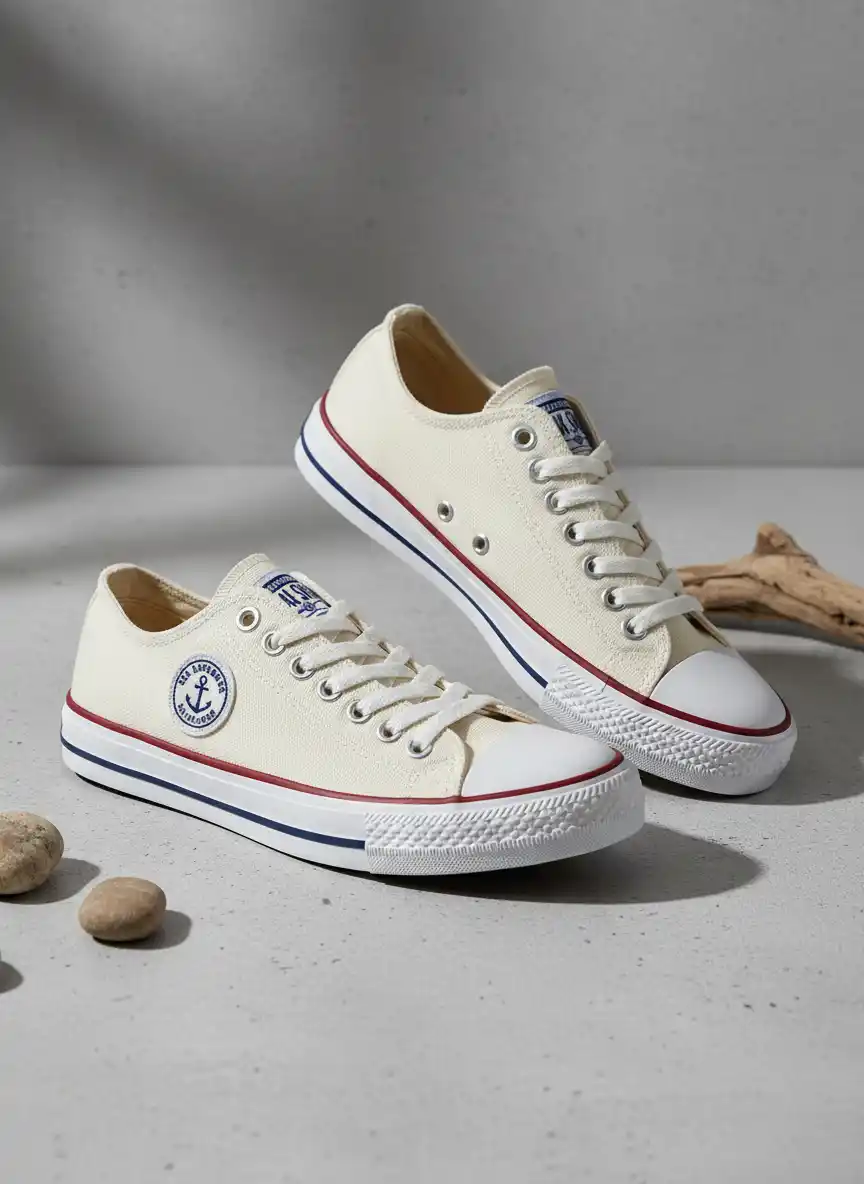
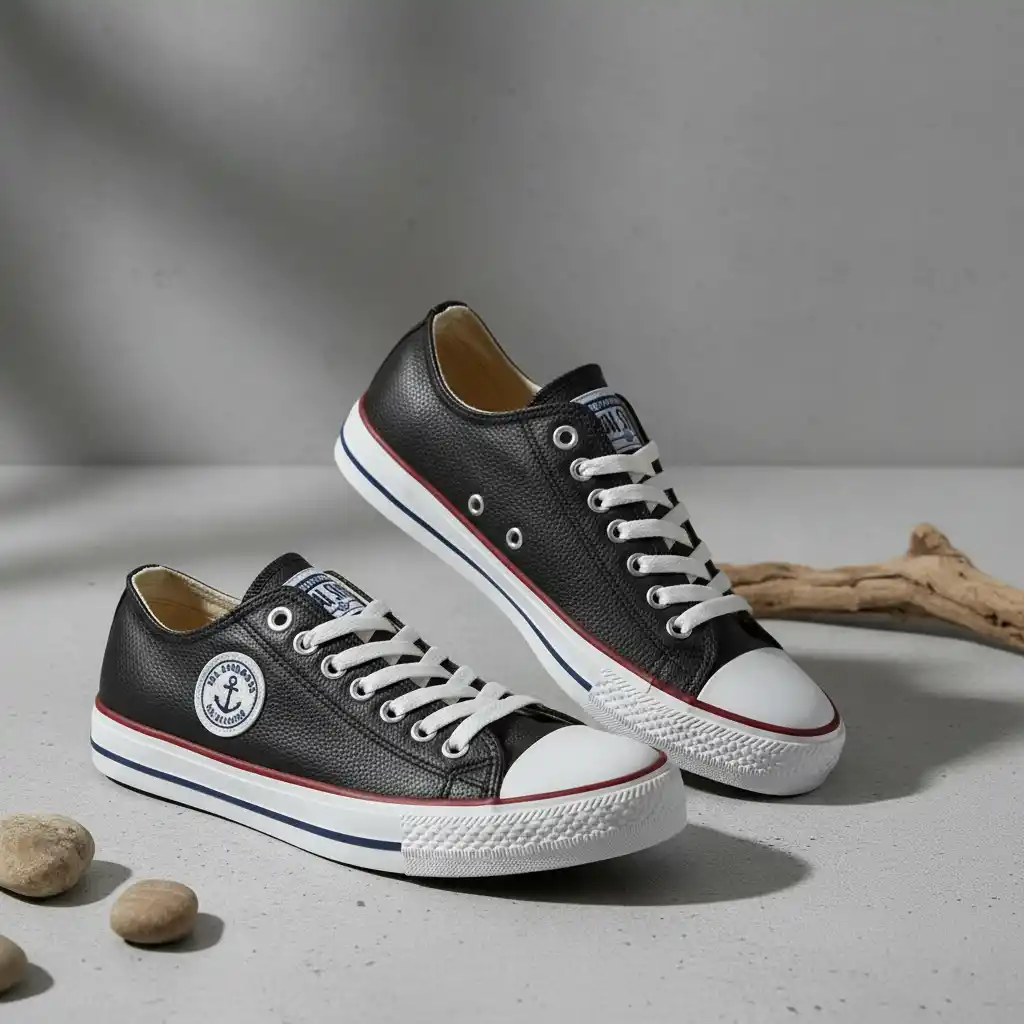
Circular Nautical Anchor Patch Emblem for Maritime-Inspired Streetwear Branding on Leather Sneakers, Embroidered Look and Timeless Marine Charm
Prompt Modify the product image based on the material in the reference image.
Circular Nautical Anchor Patch Emblem for Maritime-Inspired Streetwear Branding on Leather Sneakers, Embroidered Look and Timeless Marine CharmCircular Nautical Anchor Patch Emblem for Maritime-Inspired Streetwear Branding on Leather Sneakers, Embroidered Look and Timeless Marine Charm
Circular Nautical Anchor Patch Emblem for Maritime-Inspired Streetwear Branding on Leather Sneakers, Embroidered Look and Timeless Marine Charm
Prompt Modify the product image based on the material in the reference image.

Download & Use Anywhere

Your AI-generated image is ready for global digital use. Support free download in high-definition JPG format — perfectly suitable for Instagram posts, Facebook feed visuals, Pinterest pins, website graphics, brand collaterals, marketing banners and print materials, watermark-free and commercial-use allowed, covering all online and offline scenarios.

High Definition
High Definition

Multiple Aspect Ratio
Multiple Aspect Ratio

Ready For Commercial Use

Ready For Commercial Use

Frequently Asked Questions

Can I use generated images for my product pages?

How do copyrights work for custom textures I upload?

Will the tool remove backgrounds or isolate parts for compositing?

Is there support for bulk processing and naming conventions?

Complete Your Visual Toolkit
Abstract black and white illustration featuring flowing organic shapes, wavy line patterns, and dotted textures in a minimalist, modern graphic design style

Stop guessing and start seeing your product choices come to life.